
Cybersecurity terms are the core vocabulary used to understand online threats, protective tools, and security concepts. Knowing these terms helps you recognize warning signs earlier, make safer decisions, and build habits that reduce risk over time.
Cybersecurity is no longer reserved for hackers or high-level tech experts. It is now a necessary part of everyday life for anyone who uses the internet regularly. As global internet usage has steadily increased over the past few decades, so has exposure to online threats, particularly for people who lack basic safeguards or foundational knowledge. Online threats do not discriminate by age or experience, but they consistently target those least familiar with how attacks work. Beginners, remote workers, online business owners, and older generations are frequently targeted because they rely on the internet daily without always knowing what warning signs to look for.
Section 1: Common Threats
This section covers some of the most common cybersecurity threats people encounter in everyday online life. Understanding how these threats work makes it easier to recognize warning signs before real damage occurs.
Phishing
Phishing is when attackers send fake emails, texts, or messages that appear legitimate in order to trick you into clicking a link or sharing sensitive information. It remains one of the most common entry points for cyberattacks, largely because it targets human trust rather than technical vulnerabilities.
Example: Emails claiming to be from your bank or a delivery service saying there is an urgent issue with your account. The message directs you to a fake login page designed to capture your credentials.
Social Engineering
Social engineering is the use of psychological manipulation rather than technical hacking to convince people to give up access, information, or money. Unlike malware or phishing, social engineering attacks often involve direct human interaction, making them harder to detect with software alone.
Example: Someone calls claiming to be from tech support or a government agency and pressures you to act quickly, using fear or authority to convince you to share a verification code, password, or payment details.
Malware
Malware is a broad term for malicious software designed to damage devices, steal data, spy on activity, or disrupt normal operation. Ransomware, spyware, and adware are all forms of malware, each with a different method and goal.
Example: You download a free program, browser extension, or cracked software that secretly installs spyware or adware in the background, slowing your device and tracking your activity.
Ransomware
Ransomware is a type of malware that locks or encrypts your files and demands payment to restore access. Even paying the ransom does not guarantee file recovery, which is why prevention and regular backups are the only reliable defenses.
Example: Malicious email attachments or infected file downloads that lock your files and demand a ransom to restore access.
Data Breach
A data breach occurs when a company or organization you trusted with personal information is compromised and that data is exposed. You don’t have to do anything wrong to be affected, since breaches happen on the company’s side, not yours.
Example: Information you previously provided, like your email, address, or login credentials, is leaked and later used in scams or account takeover attempts.
Account Takeover (ATO)
Account takeover happens when someone gains unauthorized access to one of your online accounts and uses it as if they were you. Once an attacker controls one account, they can use it to reset passwords on other services, escalating access and causing broader damage. Enabling multi-factor authentication is currently the most effective way to prevent account takeover, even when passwords are already compromised.
These threats are common. Understanding how they work is the first step toward reducing risk and protecting yourself online.
Section 2: Protection & Tools
These tools are most effective when paired with good habits. Technology helps, but consistent behavior is what actually reduces risk.
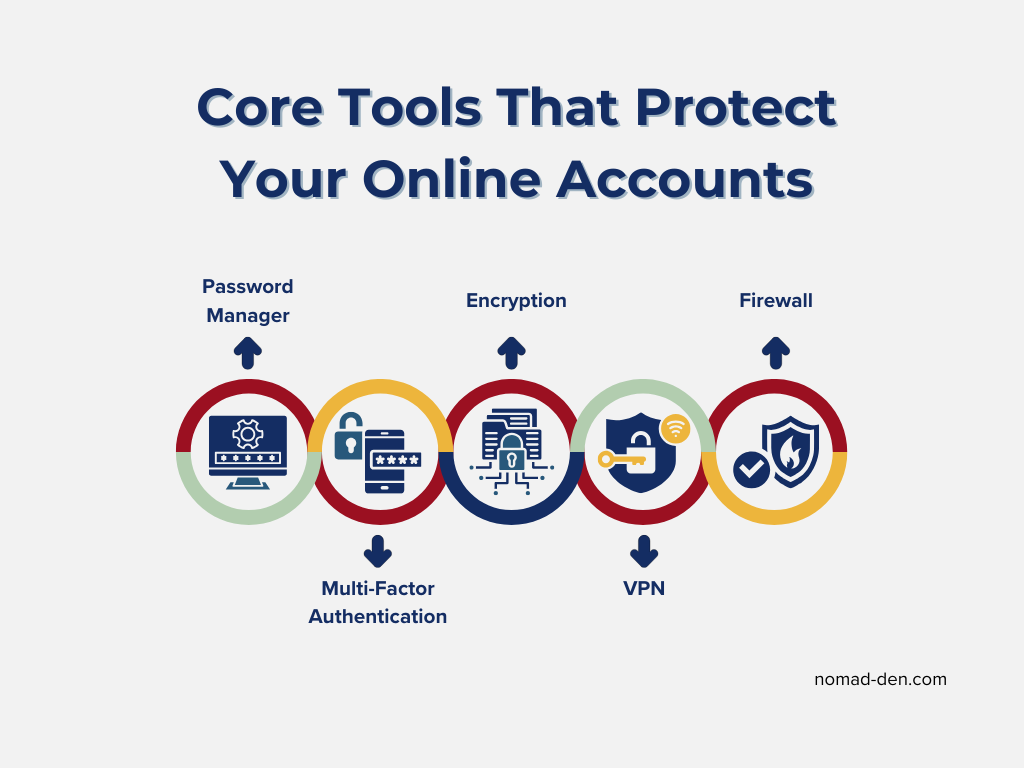
Password Manager
A password manager securely stores your passwords and helps generate strong, unique ones for each account so you do not have to remember them all. Password reuse is one of the most common ways accounts are compromised after a data breach, and a password manager eliminates that risk entirely.
Learn more about how password managers protect your accounts in our password manager comparison.
Multi-Factor Authentication (MFA / 2FA)
Multi-factor authentication adds an extra step to logging in by requiring something in addition to your password, such as a code from an app or a physical device. Enabling MFA is one of the single most effective steps you can take to protect an account, even if your password has already been stolen.
Encryption
Encryption protects data by converting it into a format that cannot be read without proper authorization. It is the underlying technology behind HTTPS, secure messaging apps, and VPNs, making it one of the most fundamental concepts in online security. It is used to secure websites, messages, files, and internet connections so that intercepted data cannot be easily accessed or misused.
VPN (Virtual Private Network)
A VPN encrypts your internet connection and helps protect your data from being intercepted, especially on public or unsecured networks. For remote workers and digital nomads connecting on public Wi-Fi, a VPN is one of the most practical security tools available. The existing italic CTA link is good, keep it.
Learn more about top VPNs and how they improve online privacy and security.
Firewall
A firewall acts as a barrier between your device or network and potentially harmful traffic from the internet. Most operating systems include a built-in firewall, but it needs to be enabled and properly configured to be effective. Firewalls help block unauthorized access attempts and limit exposure to malicious connections before they reach your device.
These tools form the foundation of everyday online protection, but understanding a few core security concepts explains why they work and when they matter.
Section 3: Core Security Concepts
These concepts show up repeatedly in cybersecurity discussions because they explain why threats succeed and how protection works. Ignoring them often leads to avoidable problems.
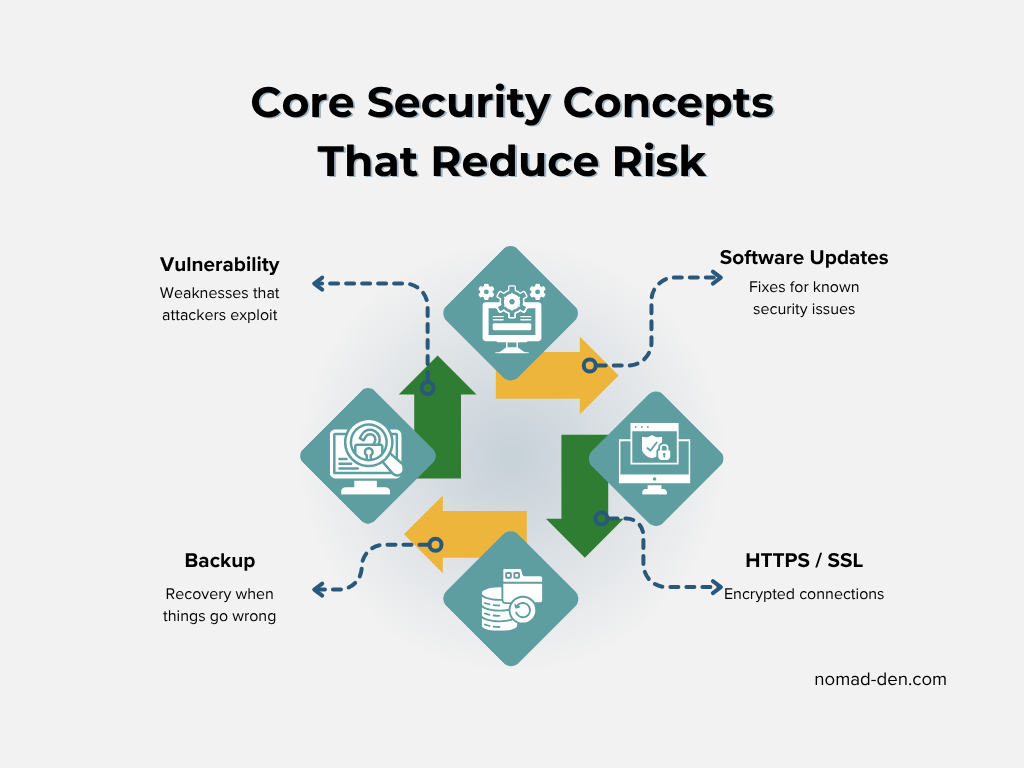
Vulnerability
A vulnerability is a weakness in software, hardware, or user behavior that can be exploited by attackers. Unpatched software and reused passwords are two of the most common vulnerabilities attackers look for first. When vulnerabilities go unaddressed, they create openings for malware, data breaches, and account compromise.
Software Updates (Patching)
Software updates, often called patches, fix known bugs and security weaknesses in operating systems, apps, and devices. Most successful cyberattacks exploit vulnerabilities that already have patches available, meaning the attack was preventable. Delaying updates leaves known vulnerabilities exposed, sometimes for months or years.
HTTPS / SSL
HTTPS and SSL indicate that data sent between your browser and a website is encrypted and protected from interception. Any site handling login credentials, payment information, or personal data should always display HTTPS in the address bar. Websites without HTTPS make it easier for attackers to intercept or alter information, especially on public or unsecured networks.
Backup
A backup is a separate copy of your data that can be restored if the original is lost, damaged, or compromised. Backups are often the last line of defense against ransomware, hardware failure, or accidental deletion. The most reliable approach follows the 3-2-1 rule: three copies of your data, on two different types of storage, with one stored offsite or in the cloud.
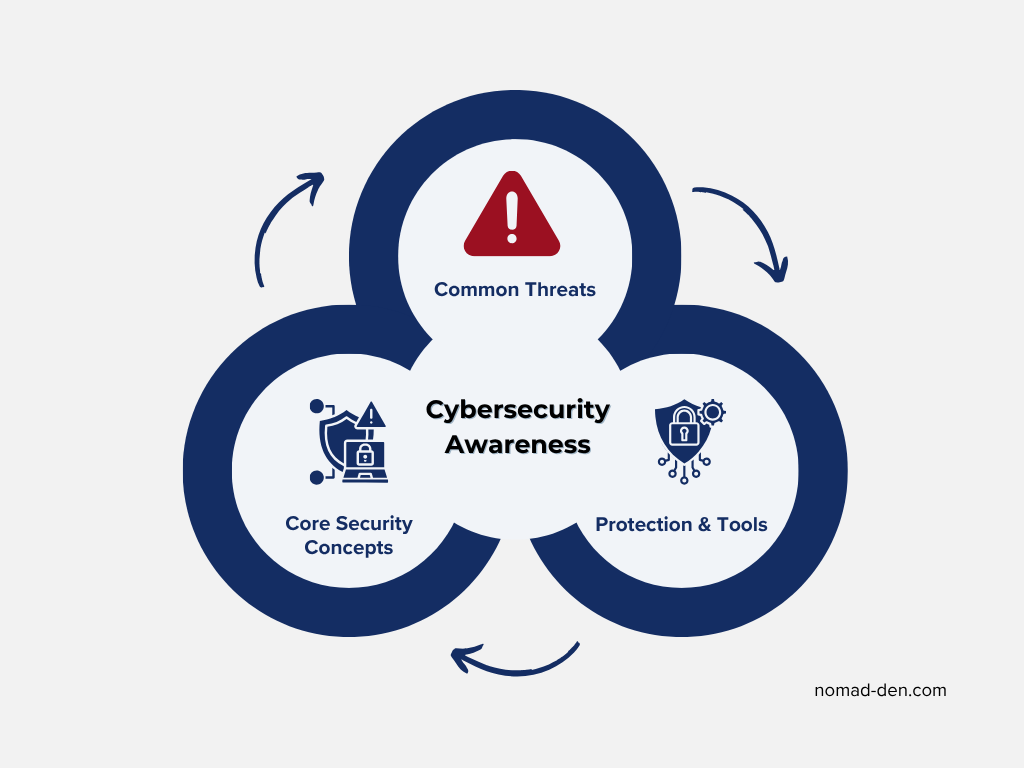
Together, these concepts explain why cybersecurity is not just about tools, but about awareness, habits, and preparation.
Frequently Asked Questions (FAQs)
Conclusion
Cybersecurity does not require deep technical expertise, but it does require awareness. Most successful attacks are not sophisticated, they exploit common vulnerabilities like reused passwords, missed updates, and unfamiliarity with how threats actually work. The terms covered in this post form the foundation of that awareness. Recognizing them early gives you a meaningful advantage, not because you become unhackable, but because you become a harder target than most.
Continue Reading Related Posts
Private Browsers and Search Engines Worth Switching To
Google Chrome accounts for roughly 69% of the world’s web page views, and Google handles…

When to Start Outsourcing: How to Vet Your First Virtual Assistant (or Freelancer)
Outsourcing makes sense the moment a task is both teachable and consistently the thing standing…

17 Cybersecurity Terms Every Online Business Should Know (Part 2)
Cybersecurity terms for online business owners cover the threats, compliance requirements, and protective habits that…

Affiliate Marketing Scams: How to Spot Them (and Protect Your Own)
Affiliate marketing is a legitimate, commission-based business model, not a scam, that predates the internet…
Digital Nomad Visas in 2026: Requirements, Costs, and How to Apply Safely
A digital nomad visa is a temporary residency permit that lets you legally live in…
Is NordVPN Actually Worth It? Ownership, Audits, and Pricing Explained
NordVPN is the VPN provider most affiliate marketers default to recommending, but the research behind…