
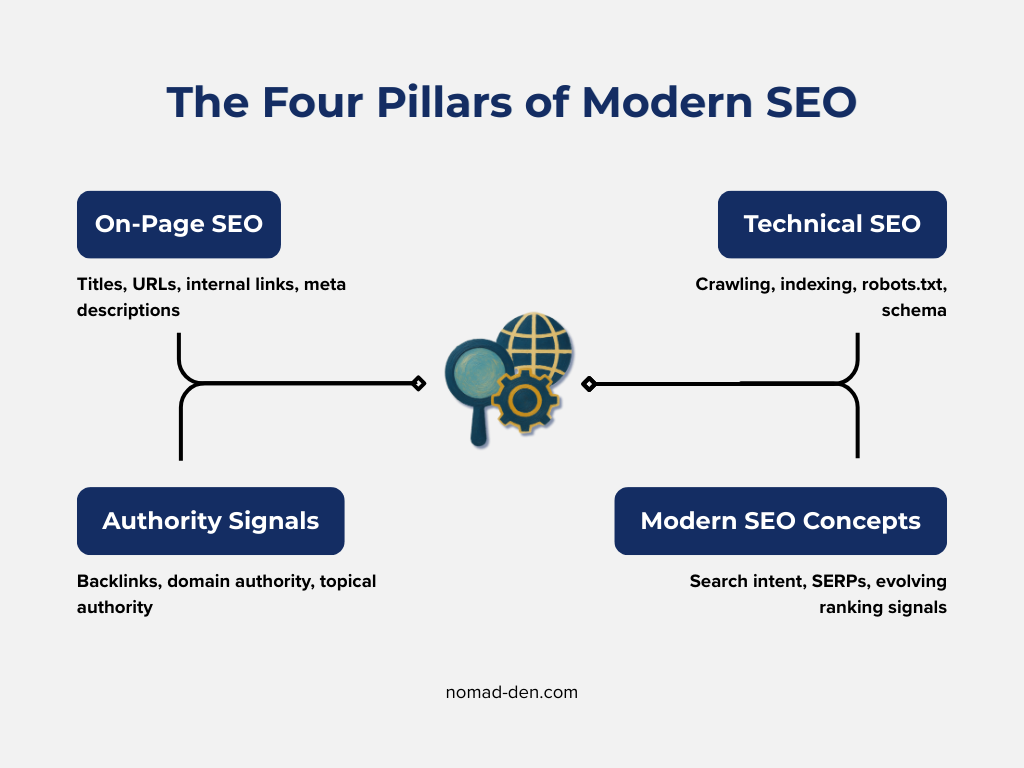
If you’re new to SEO, the most important terms to understand include keywords, search intent, SERPs, indexing, title tags, meta descriptions, internal links, and backlinks. These concepts explain how search engines discover your content and decide where it appears in search results.
Learning these basic SEO terms helps beginners understand how websites get traffic and why some pages rank higher than others.
Why SEO Terminology Confuses Beginners
Search engine optimization has its own vocabulary. When you first start learning about SEO, you’ll hear terms that can feel technical or confusing. In reality, most SEO concepts are simple once you understand what they mean.
Instead of memorizing complicated strategies, beginners should focus on understanding a small group of core terms. These terms explain how search engines work and how your content appears in search results.
The guide below explains the most important SEO terms every beginner should know.
Core SEO Terms
These terms explain how search engines interpret searches and how content gets discovered online.
Keyword
What it means: A keyword is the word or phrase people type into a search engine. Longer phrases are often called long-tail keywords.
Why it matters: Keywords tell search engines what your content is about.
Example:
If someone searches: “best tools for remote work”. That phrase is the keyword. Also known as a long-tail keyword. A guide covering the best tools for remote work would target that phrase.
Search Intent
What it means: Search intent describes what someone wants when they search for something online. What are they looking for?
Why it matters: Search engines rank pages that best match the user’s intent.
Example:
Someone searching: “how to start affiliate marketing” is likely looking for a beginner guide explaining the process step-by-step.
SERP (Search Engine Results Page)
What it means: The SERP is the page of results that appears after someone searches on Google or another search engine.
Why it matters: Your goal with SEO is to appear higher on this page for the keywords people are searching for, which increases the chances they will find and click your content.
Example: When you search something on Google and see a list of results, that page is the SERP. Each result is ranked based on how well it matches the search query.
Ranking
What it means: Ranking refers to where your page appears in search results.
Why it matters: Pages that rank higher in search results usually receive far more clicks and traffic.
Example: A page ranking #2 on Google will typically receive far more clicks than a page ranking #9.
In the next section, we’ll cover key on-page SEO terms, which relate to how your website is structured to improve discoverability in search results.
On-Page SEO Terms
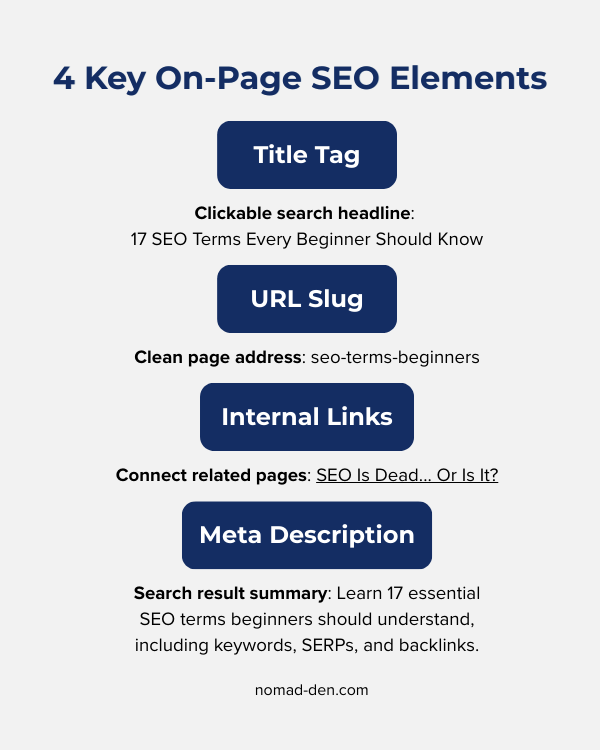
These terms relate to how a webpage is structured and presented to both users and search engines. Clear page structure helps search engines understand your content and improves how easily people can find it in search results.
Title Tag
What it means: The title tag is the clickable headline that appears in search results. It usually matches the main heading of the page.
Why it matters: It helps both search engines and users quickly understand what the page is about.
Example: Your page title might appear like this on Google: “SEO Is Dead… Or Is It? Here’s the Truth.”
Meta Description
What it means: A short summary of your page that appears below the title in search results.
Why it matters: It helps users decide whether to click your result.
Example: A meta description might say: “SEO is not dead. Learn why search optimization still matters and how it helps websites grow long-term.”
URL Slug
What it means: The slug is the part of the URL that identifies a specific page. It appears at the end of the web address after the final forward slash.
Why it matters: Clean URLs help search engines understand your content.
Example: nomad-den.com/blog/seo-terms-beginners
Here, seo-terms-beginners is the slug.
Internal Links
What it means: Links that connect one page on your website to another page on the same site. Many of the linked phrases within this post are examples of internal links.
Why it matters: Internal links help search engines understand your site structure and help users find more information.
Example: Linking a blog post about SEO tools to a post about keyword research.
Keyword research tools can help you discover search terms people are actively looking for. Learn the concepts → here’s a tool that helps apply them.
Authority SEO Terms
Search engines also evaluate the credibility and trustworthiness of a website. Authority signals help determine whether a site should rank higher in search results.
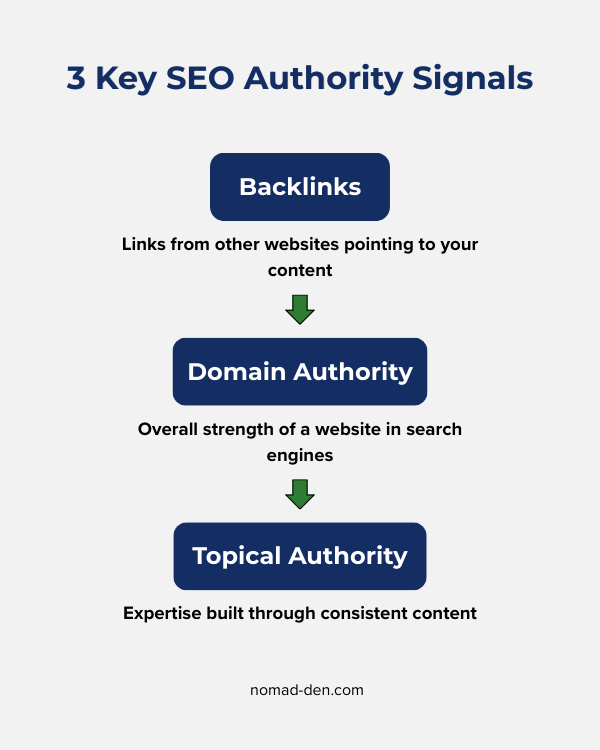
The terms in this section explain how links from other websites and overall domain strength influence search rankings.
Backlinks
What it means: Backlinks are links from other websites pointing to your content.
Why it matters: Search engines view backlinks as signals of credibility and authority.
Example: If another blog links to your guide about affiliate marketing, that link becomes a backlink.
Tools like Mangools LinkMiner allow you to analyze backlinks and see which websites are linking to a page.
Domain Authority
What it means: A score that estimates how strong a website is in search engines.
Why it matters: Websites with stronger authority tend to rank more easily.
Example: Established websites like major news sites usually have very high authority.
Topical Authority
What it means: Topical authority means a website consistently publishes helpful content about a specific subject.
Why it matters: Search engines trust websites that demonstrate expertise in a particular topic.
Example: A site with dozens of articles about cybersecurity may develop strong topical authority in that niche.
Search engines also rely on technical processes to discover and understand website content. Even strong content and authority signals will not help if search engines cannot properly access or interpret your pages.
Technical SEO Basics
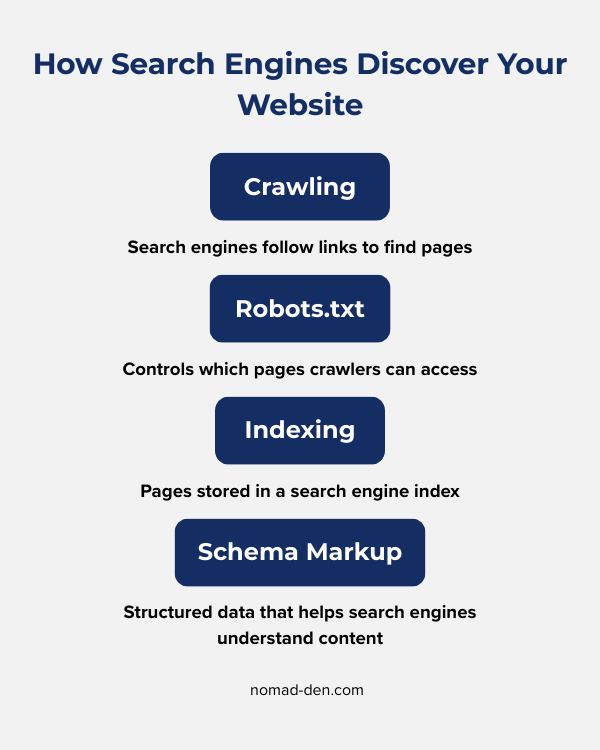
Technical SEO focuses on the behind-the-scenes elements that help search engines crawl, understand, and index your website.
Crawling
What it means: Crawling is the process search engines use to discover pages on the internet by following links from one page to another.
Why it matters: If search engines cannot crawl your page, they cannot rank it.
Example: If your homepage links to a new blog post, search engines can follow that link to discover the new page.
Robots.txt
What it means: A robots.txt file tells search engines which parts of your website they are allowed or not allowed to crawl.
Why it matters: It helps control how search engines crawl your site.
Example: A website might block search engines from crawling its admin pages using a robots.txt rule.
Indexing
What it means: Indexing means a page has been stored in a search engine’s database.
Why it matters: Only indexed pages can appear in search results.
Example: If you publish a new blog post, search engines must first crawl the page and add it to their index before it can appear in search results.
Schema Markup
What it means: Schema is structured data added to a page that helps search engines better understand your content.
Why it matters: It can improve how your page appears in search results.
Example: Schema markup can help search engines display rich results like star ratings, FAQs, or product details directly in search results.
Modern SEO Concepts
SEO is often declared “dead,” but as long as people search for information online, search optimization will remain relevant. What has changed is how search engines interpret content and how people discover information.
Search Everywhere Optimization
What it means: Search everywhere optimization is an unofficial term, which means creating content that can appear across multiple search platforms, not just Google.
Why it matters: People now search on platforms like YouTube, TikTok, Pinterest, and AI tools. Optimizing for multiple platforms increases visibility.
Example: A blog post that ranks on Google may also drive traffic from Pinterest pins and short videos.
Evergreen Content
What it means: Evergreen content is content that remains useful and relevant for long periods of time.
Why it matters: Evergreen articles can generate traffic for years without constant updates.
Example: A guide explaining affiliate marketing basics can remain useful long after it is published.
Understanding these core SEO terms makes it much easier to learn more advanced strategies like keyword research, content optimization, and backlink building. Once these fundamentals are clear, the rest of SEO starts to make much more sense.
FAQ: Beginner SEO Questions
Why Understanding SEO Terms Matters
SEO can seem complicated at first, but most concepts are straightforward once you understand the basic terminology.
Learning these core SEO terms helps beginners understand how search engines discover content, rank pages, and deliver results to users.
As you continue learning about SEO, these foundational terms will make more advanced strategies much easier to understand.
Some links in this post may be affiliate links. I may earn a commission at no extra cost to you. Learn more here.
Continue Reading Related Posts

White Hat vs. Black Hat SEO (and the Gray Area In Between)
SEO tactics fall into three categories: white hat, black hat, and a shrinking grey area…
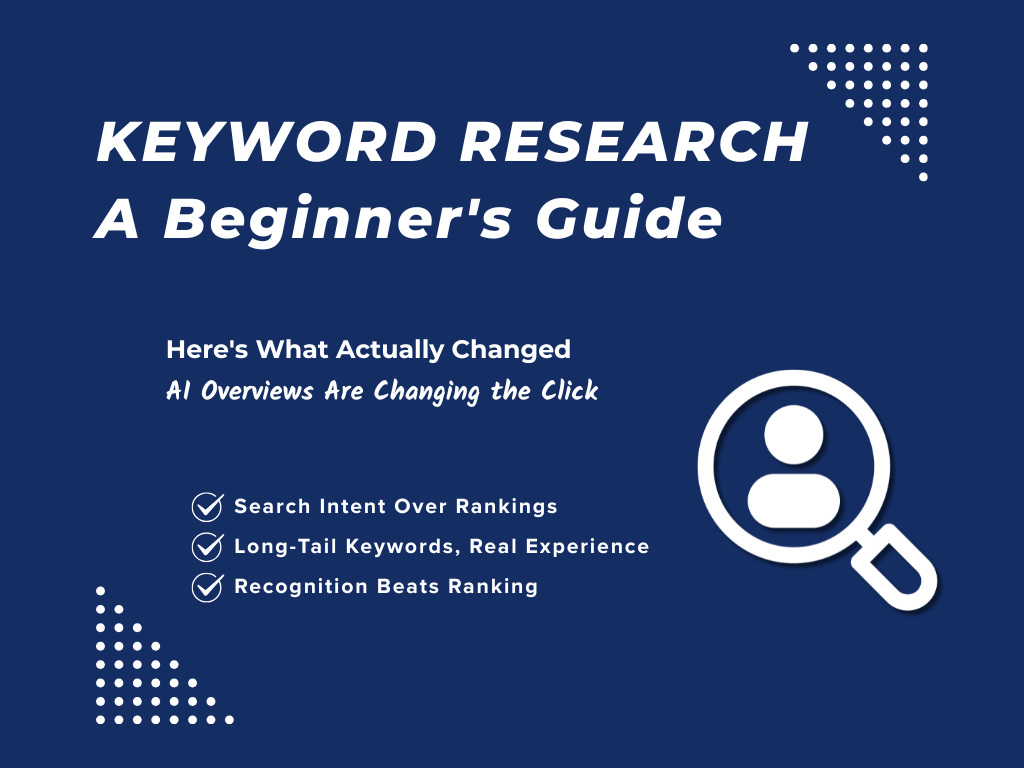
Keyword Research for Beginners: How to Find What People Are Searching For
Keyword research in 2026 isn’t about ranking on Google anymore. It’s about understanding what a…
How to Use Social Media Scheduling Tools to Grow Without Being Online 24/7
There’s a version of social media growth that gets sold constantly: post more, post everywhere,…

How to Validate a Business Idea Before Wasting Months Building It
When you come up with an idea for an online business, you’re anxious to make…
Digital Marketing Analytics for Beginners: Stop Guessing, Start Tracking
When I first launched Nomad Den, I was publishing posts, building out a network of…

Lead Magnets That Convert in 2026 (And What to Build First)
Building an email list sounds straightforward until you actually try it. The real challenges aren’t…