
Some links in this post may be affiliate links. I may earn a commission at no extra cost to you.
If you’re running a business online, the question isn’t whether you need to think about security. It’s whether you’re doing enough, with the right tools, before something goes wrong.
When I first started building Nomad Den, I thought I had it covered. I had a password spreadsheet I’d maintained for years, strong enough credentials across dozens of accounts, and I’d switched to Brave Browser early on because I knew it wasn’t built to harvest your data the way Chrome is. It worked. Nothing bad happened.
But the more I learned about how online businesses and everyday accounts actually get compromised, the more I realized “nothing bad happened yet” isn’t the same thing as being protected, because most breaches don’t announce themselves. The data that gets sold about you rarely comes from a single, unauthorized breach. It’s collected quietly, sold legally, and is sitting in databases you’ve never heard of right now.
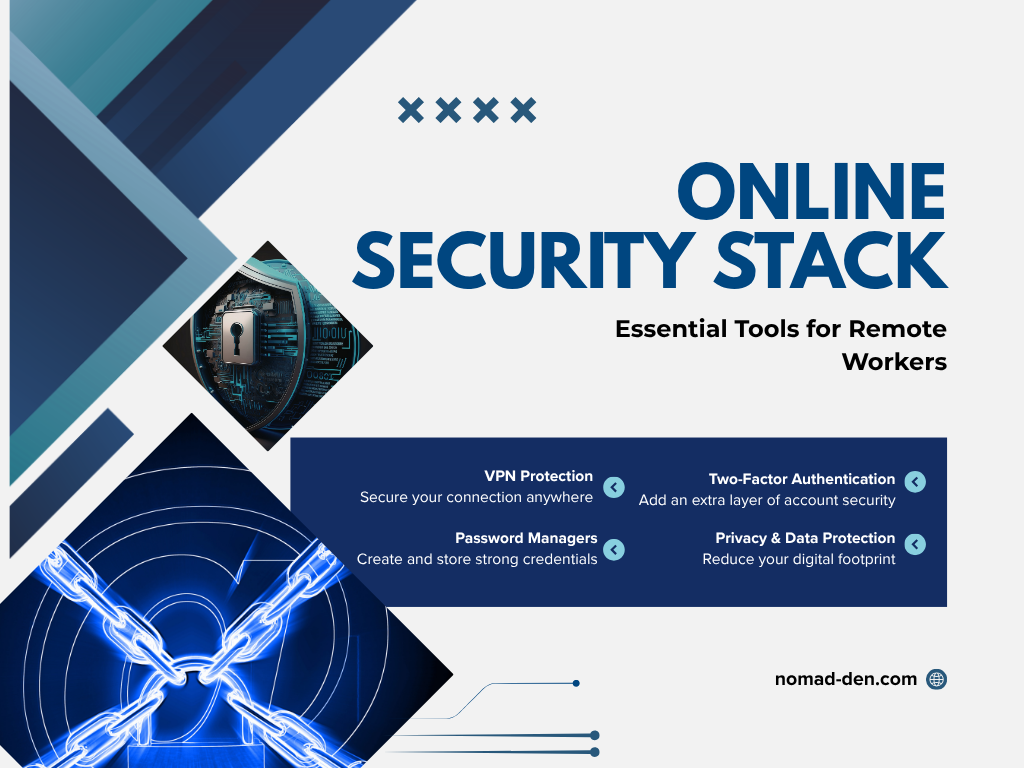
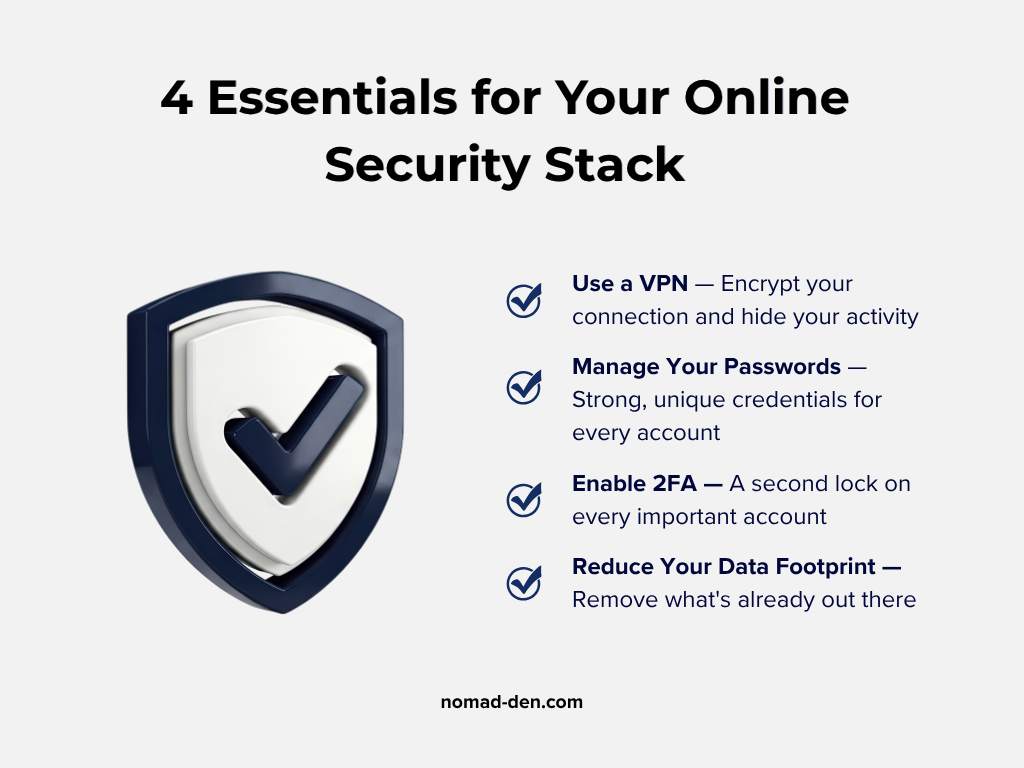
This post covers the core tools that make up a practical security stack for remote workers and online business owners. Not an exhaustive list, but the categories that actually matter: protecting your connection, managing your credentials, and limiting your exposed personal data. If you’re just getting started, this is where to begin.
Protect Your Connection
Protecting your business from online threats starts with understanding the tools that can safeguard your data, your operations, and your reputation. Whether you’re working from home, running a remote business, or traveling as a digital nomad, these tools form the backbone of your online security strategy.
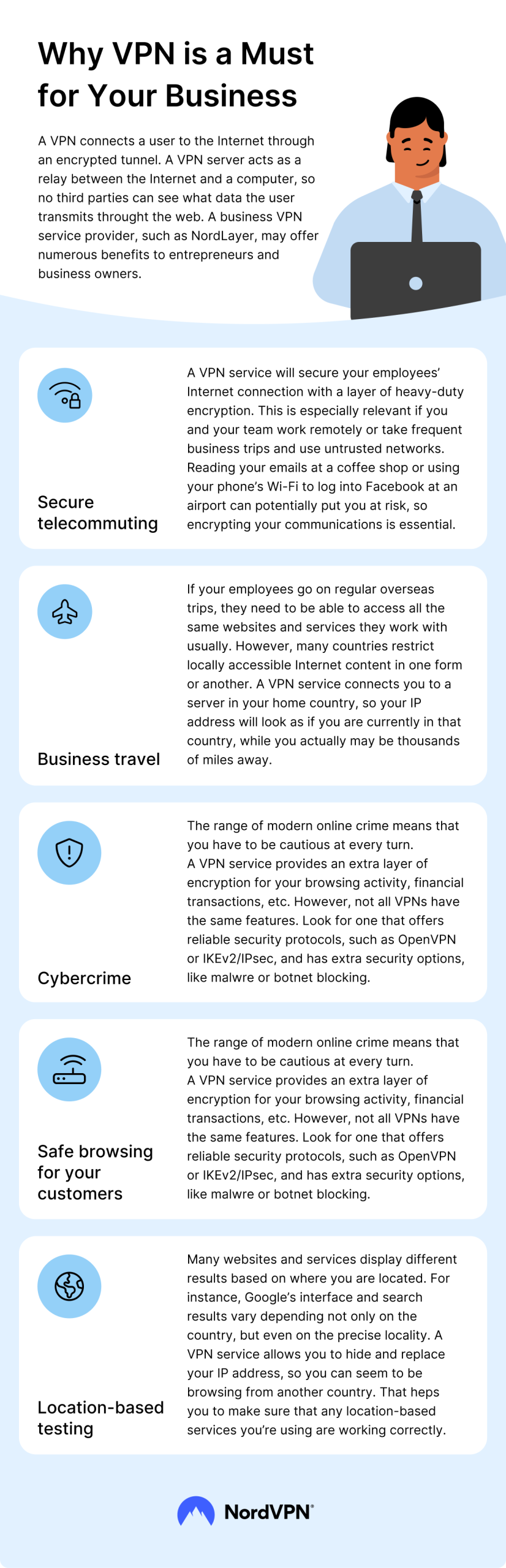
A VPN secures your internet connection and protects your privacy by creating a private, encrypted tunnel for your data. It hides your IP address and encrypts your traffic so third parties can’t see what you’re doing online. A VPN is one of the simplest ways to stay safe online, with benefits such as:
- Keeps Your Browsing Private: Hides your activity from ISPs, advertisers, and other third parties.
- Secures Public Wi-Fi: Protects you from cyber threats when using networks in cafés, airports, or hotels.
- Masks Your Location: Routes your traffic through another region to keep your real IP private.
- Unlocks Restricted Content: Helps you bypass geo-blocks and access sites and services unavailable in your area.
- Protects Business Data: Encrypts remote work connections to keep files and communication secure.
A VPN like this is one worth having in place before you need it, and NordVPN is the one we point most people toward: it’s fast, has a strict, independently audited no-logs policy, and includes built-in threat protection most VPNs charge extra for.
Protect your connection with NordVPN.
Want to compare your options? See our full VPN guide for a complete breakdown of NordVPN, Surfshark, and other top picks.
Password Management Tools
Creating strong, unique passwords is one of the simplest ways to protect your online accounts. Today, nearly every service, from social platforms to employment platforms, requires an account to log in, and those passwords play a major role in keeping your private information secure.
The real challenge is managing dozens (or hundreds) of them. Reusing the same password across multiple accounts is one of the most common security mistakes, and it significantly increases your risk if even one site is breached.
This is where password management tools shine. They securely store all your complex passwords in one place, generate new ones for you, and eliminate the need for sticky notes, spreadsheets, or trying to memorize everything yourself.
NordPass is the one we point most people toward: it’s designed by the creators of NordVPN, makes password management simple and accessible across devices, and is backed by strong encryption. Secure your passwords with NordPass.
Want to compare your options? See our full password manager guide for a complete breakdown of NordPass, Dashlane, and other top picks.
Two-Factor Authentication (2FA)
Two-factor authentication (2FA) adds an extra layer of security to your accounts by requiring a second verification step during login. Even if someone gets your password, they can’t access your account without this second code.
Setting up 2FA is simple. After turning it on, you’ll receive a 6-digit verification code by email, SMS, or through an authenticator app. Enter the code during login, and your account is protected.
Many websites now recommend using an authenticator app (like 2FAS or Google Authenticator), which generates time-sensitive codes directly on your device. It’s faster and more secure than email or SMS codes, and works even if you’re offline. Want a fuller picture of account security beyond 2FA? Check out our guide on email and account security for more ways to lock things down.
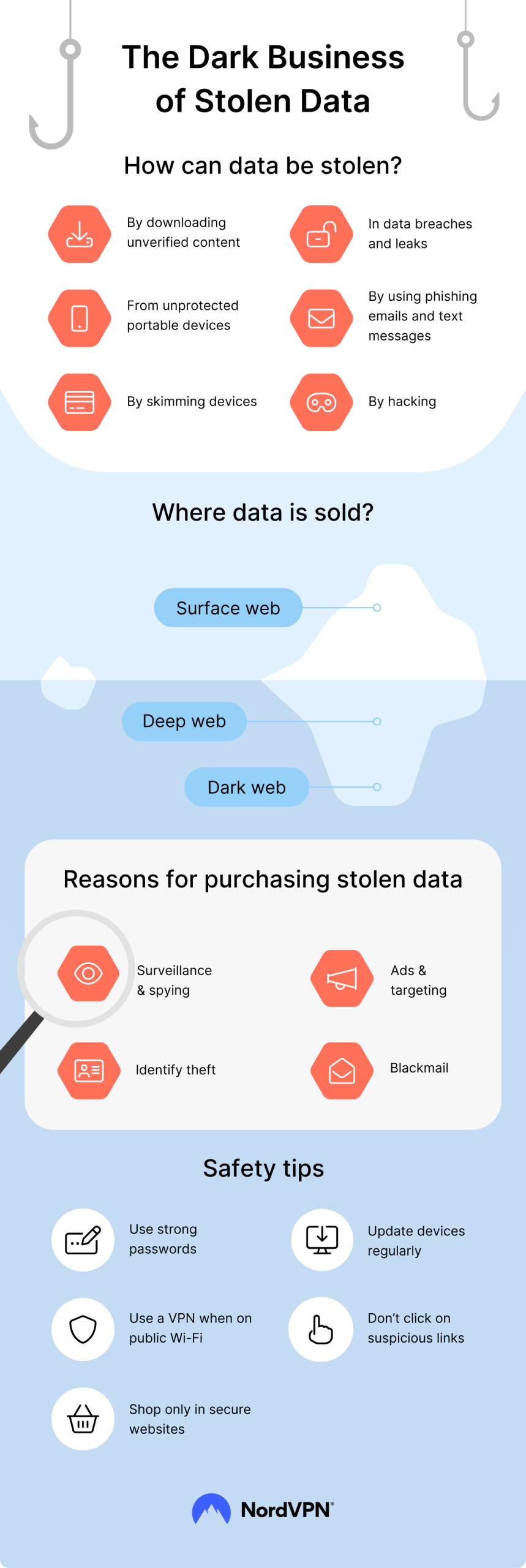
To highlight why protecting your data is critical, here’s a quick look at how sensitive information gets stolen, and the risks it poses:
How to Remove Personal Data from the Internet
An essential step in safeguarding your online presence and business is using reliable data privacy tools. Scam artists and bot accounts are rampant, especially on social media platforms. Content creators on TikTok, Instagram, and YouTube are frequently targeted by spammers intent on exploiting individuals seeking income-generating opportunities beyond traditional employment. These tools help protect your data, privacy, and peace of mind in a highly connected world.
There are many tools available to help protect your data privacy. Below are some of the best, covering a range of needs within the data privacy niche:
Incogni
When removing personal data from the internet, you’ll want to start with data broker removal services like Incogni. It simplifies the process of contacting over 420 data brokers to request removal of your personal information, helping guard against identity theft, spam, and unsolicited marketing. With continuous monitoring and automated removal requests, Incogni ensures your data stays private over time.
Start protecting your personal data today with the #1 removal tool in the world. Enjoy a 30-day money-back guarantee and cancel anytime.

Privacy Badger
Privacy Badger is a free browser extension that automatically blocks online trackers to protect your privacy and enhance your browsing experience. It detects and stops third-party trackers from monitoring your activity without your consent. Unlike traditional ad blockers, Privacy Badger learns as you browse, ensuring a smoother, safer, and more private online experience without breaking websites.
Jumbo Privacy
Jumbo Privacy is one of the best privacy management apps for tracking your exposure across social media, email, and other platforms. It helps you identify vulnerabilities in your accounts, offers recommendations to improve your privacy, and tracks data breaches to alert you if your information is compromised. Jumbo also provides tools to clean up your digital footprint, making it a genuinely useful addition to your privacy toolkit.
Brave Browser
Brave Browser is a free, privacy-focused browser designed to block ads, trackers, and fingerprinting automatically, ensuring a safer browsing experience. It enhances your browsing speed by eliminating unnecessary scripts and offers built-in security features like HTTPS upgrades and Tor integration. Brave combines privacy, speed, and security, making it an excellent choice for anyone who wants a safer default browser. They also have their own VPN, with a free, 7-day trial period.
Clario.co
Clario is a multi-functional privacy and security tool that combines identity theft protection, VPN integration, and antivirus features in one user-friendly platform. It proactively monitors your devices and accounts for threats, ensuring comprehensive protection. With its easy-to-navigate interface, Clario makes advanced cybersecurity accessible to everyone.
Frequently Asked Questions
Conclusion
Protecting your data and privacy online has never been more crucial, whether you’re running an online business or just trying to keep your everyday accounts secure. The tools covered in this post, VPNs, password managers, two-factor authentication, and data removal services, are some of the most effective, affordable ways to safeguard your digital presence.
Now that you’ve explored how to protect your connection, secure your credentials, and remove your exposed personal data, it’s time to take action.
To learn more about some of the technical terms in this post, check out our Glossary, for more clarity.
Some links in this post may be affiliate links. I may earn a commission at no extra cost to you. Learn more here.
Continue Reading Related Posts
Private Browsers and Search Engines Worth Switching To
Google Chrome accounts for roughly 69% of the world’s web page views, and Google handles…

When to Start Outsourcing: How to Vet Your First Virtual Assistant (or Freelancer)
Outsourcing makes sense the moment a task is both teachable and consistently the thing standing…

17 Cybersecurity Terms Every Online Business Should Know (Part 2)
Cybersecurity terms for online business owners cover the threats, compliance requirements, and protective habits that…

Affiliate Marketing Scams: How to Spot Them (and Protect Your Own)
Affiliate marketing is a legitimate, commission-based business model, not a scam, that predates the internet…
Digital Nomad Visas in 2026: Requirements, Costs, and How to Apply Safely
A digital nomad visa is a temporary residency permit that lets you legally live in…
Is NordVPN Actually Worth It? Ownership, Audits, and Pricing Explained
NordVPN is the VPN provider most affiliate marketers default to recommending, but the research behind…
Maybe