Some links in this post may be affiliate links. I may earn a commission at no extra cost to you.
Table of Contents
If you spend any time online, whether running a business, working remotely, or just managing your daily life through apps and internet accounts, you’re already a target. It’s not because anyone is specifically after you. Attacks at this scale are automated and opportunistic: bots scan continuously for exposed credentials, unpatched software, and behavioral gaps, and move on when they hit resistance.
The good news is that you do not need a technical background to protect yourself. Most successful attacks do not exploit sophisticated weaknesses in software. They exploit gaps in human behavior: a reused password, a clicked link under pressure, a phone call that felt real. Close those gaps and you become a significantly harder target than most.
This post covers the foundational concepts every person operating online should understand: what the real threats are, where most people are actually vulnerable, and what habits and tools close the most important gaps. If you want to go deeper on specific tools, the Online Security Stack covers that in detail.
What Does “Cybersecurity” Actually Mean?
Most definitions of cybersecurity make it sound like something that belongs in a corporate IT department. In practice, for individuals and small business owners, it is much simpler than that.
Cybersecurity is the set of habits, tools, and decisions that make you a harder target. That is the whole definition that matters for most people. You are not trying to build an impenetrable fortress. You are trying to be more protected than the next person, because most attacks are automated and opportunistic. They move on when they hit resistance.
Think of it the way you think about locking your car. You are not guaranteed to prevent a determined thief, but you are not leaving the window down and the keys in the ignition either. That is what basic cybersecurity looks like in practice.
The Threat Landscape Has Changed
Understanding what you are actually protecting against matters, because the threats in 2026 look different from what most people picture when they think about getting hacked.
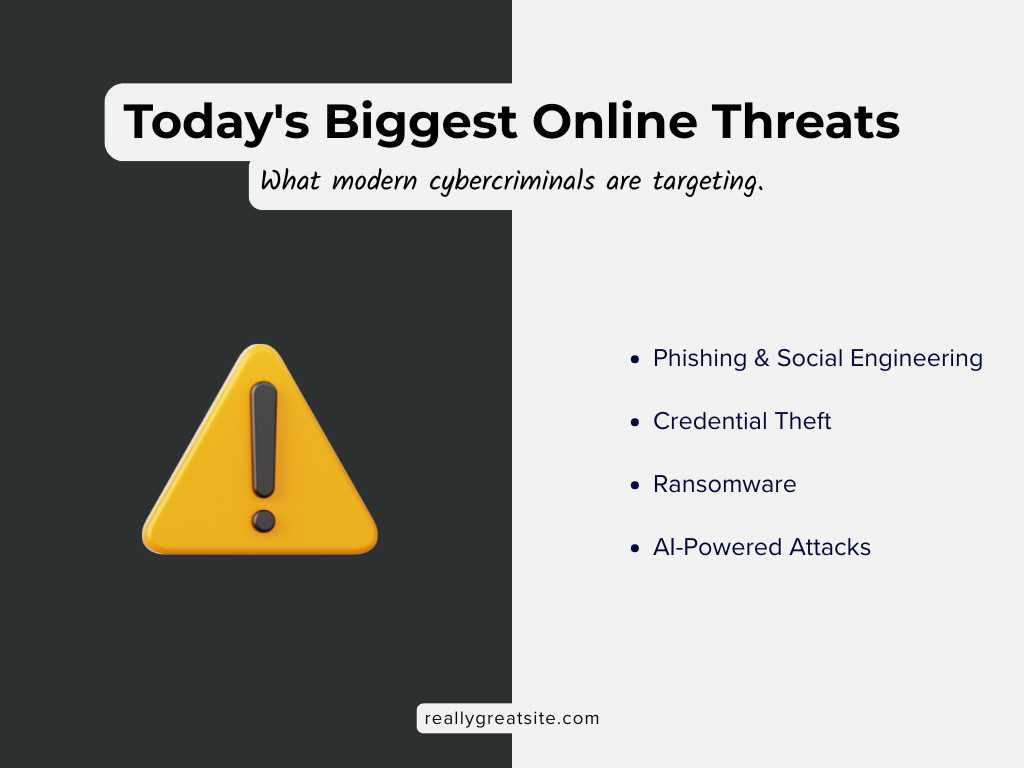
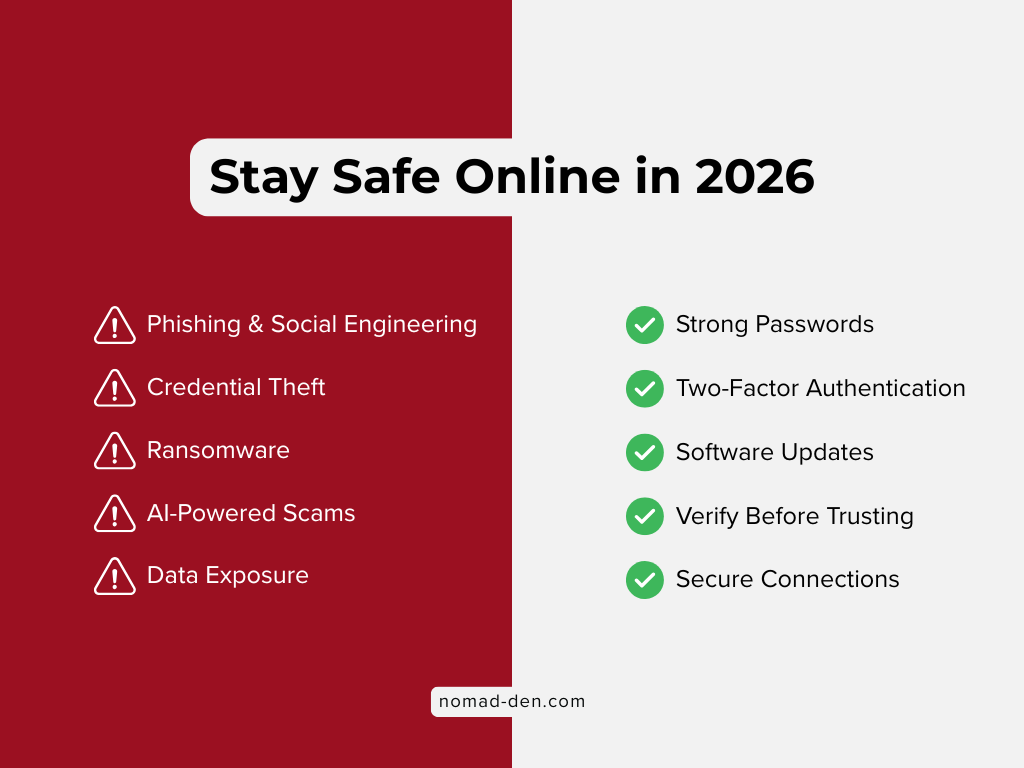
Phishing and Social Engineering
These remain the dominant attack method. Phishing is any attempt to trick you into revealing credentials, clicking a malicious link, or taking an action you would not take if you knew who was really asking. It accounts for the majority of data breaches across every category of victim. What has changed is the quality. Phishing emails used to be easy to spot: poor grammar, obvious fake addresses, generic openers. AI has largely eliminated those tells. Modern phishing emails are grammatically perfect, contextually specific, and often personalized using data scraped from your public profiles.
Credential Theft
Credential theft is the second major threat. When a site you use gets breached, your email and password combination ends up in a database that criminals buy and sell. They then run automated tools that try that same combination across hundreds of other sites. If you reuse passwords, one breach can cascade into many. Roughly 94 billion credentials and cookies were exposed in a two-year window ending in 2025, feeding what researchers describe as an industrial-scale account takeover market.
The problem extends beyond criminal hacking. Every platform that collects and sells your data to third parties for ad targeting creates additional exposure. When those third parties get breached, and they do, that information ends up in the same criminal databases.
Ransomware
Ransomware is malware that encrypts your files and demands payment to restore access. It was present in 44% of all data breaches analyzed in Verizon’s 2025 Data Breach Investigations Report (pdf, see page 10), a 37% increase over the prior year. For small and midsize businesses, ransomware was involved in 88% of breaches. It typically arrives through phishing or unpatched software vulnerabilities.
AI-powered attacks
Cyberattacks powered by AI are the newer and fastest-growing category, covered in more detail later in this post. The short version: voice cloning, deepfake video, and automated personalization have made social engineering attacks significantly harder to recognize.
Cyber attacks happen every 39 seconds, and most succeed not because attackers are technically sophisticated, but because human behavior makes it easy for them.
The Human Element Is the Biggest Vulnerability
This is the part of cybersecurity that does not get enough attention in beginner guides, and it is the most important thing to understand before you start evaluating any tool.
Verizon’s 2026 Data Breach Investigations Report found that the most frequent causes of breaches continue to heavily involve the human element: social engineering, phishing, and stolen credentials. People making predictable decisions under pressure or out of habit.
What does that look like in practice?
- Clicking a link because the email felt urgent
- Reusing a password because it is easier to remember
- Approving a 2FA prompt without confirming you initiated the login
- Answering a call from someone who sounds exactly like your bank
The uncomfortable reality is that the most dangerous attack surface you have is your own behavior under pressure. Attackers know this and design their methods around it. Urgency, fear, authority, and trust are the tools of social engineering, and they work because they are wired into how humans respond.
This does not mean you are helpless. It means the most effective protection starts with awareness, not software.
The Core Habits That Actually Protect You
Before tools, there are habits. Tools make good habits easier to maintain consistently. But a tool without the underlying habit is just another thing to manage. These are the habits that close the most significant gaps.
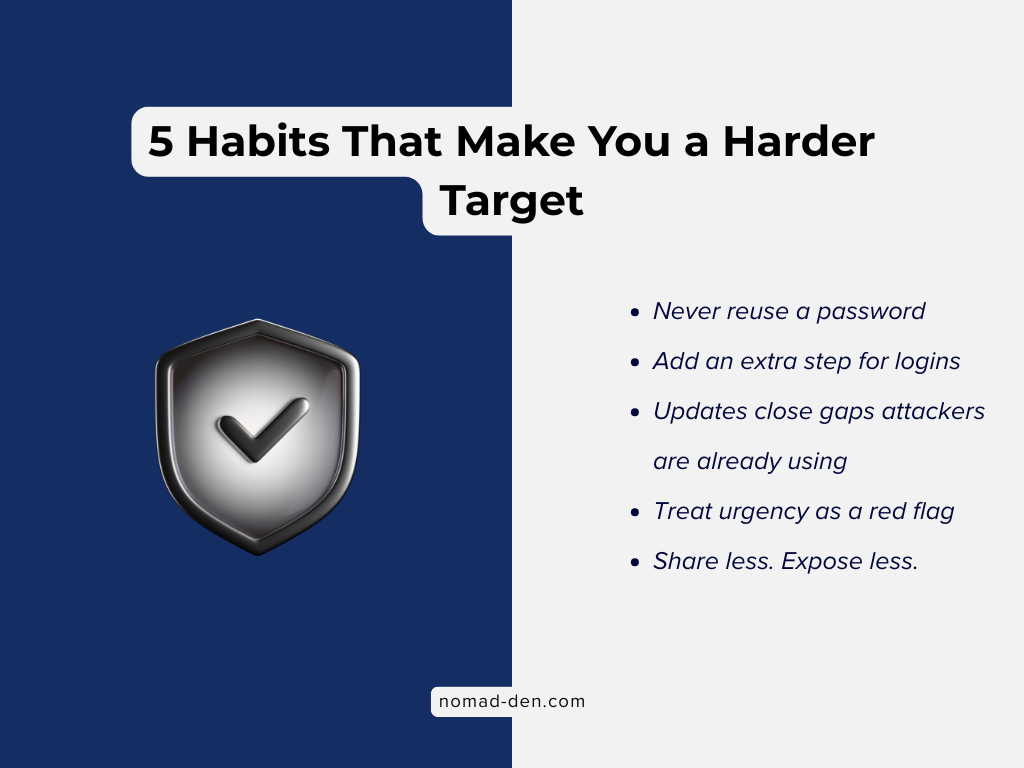
Use Strong, Unique Passwords for Every Account
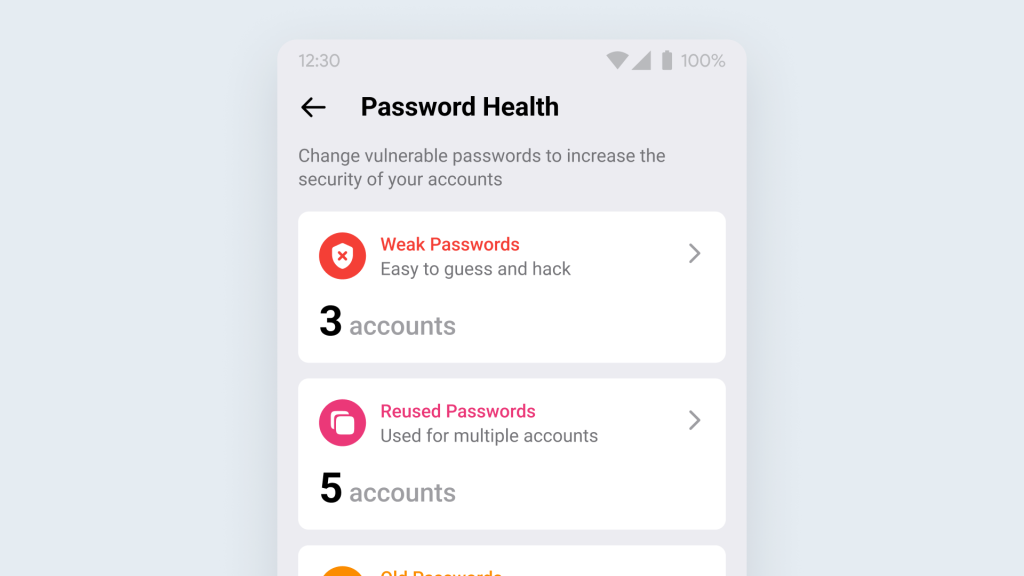
Password reuse is one of the most common and consequential security mistakes. When any site you use gets breached, and breaches happen constantly across every category of platform, that password is now in circulation. If you used the same one elsewhere, those accounts are compromised by extension.
Strong passwords are long, random, and unique to each account. The practical challenge is that managing dozens of truly unique passwords manually is difficult. A password manager solves this by generating and storing complex credentials so you only need to remember one master password. NordPass is built by the same team behind NordVPN and handles this cleanly across devices. For a full comparison of options, see the password manager post.
Enable Two-Factor Authentication, Starting With Email
Two-factor authentication (2FA) requires a second verification step beyond your password. Even if someone has your credentials, they cannot access your account without that second factor. It is one of the highest-impact security steps you can take, and Microsoft has reported that phishing-resistant MFA blocks over 99% of identity-based attacks.
Authenticator apps like Authy or Google Authenticator generate time-sensitive codes directly on your device and are more secure than SMS-based codes, which can be intercepted through SIM-swapping attacks. For a deeper look at account security practices, see Email and Account Security.
Keep Software and Devices Updated
Unpatched software vulnerabilities are one of the top pathways attackers use to gain access. When a vulnerability becomes public, attackers move quickly to exploit it before users update. Keeping your operating system, browser, and apps current closes those windows. Most updates can be set to install automatically, making this largely a set-and-forget habit.
Think Before You Click
This is phishing awareness distilled to its most practical form. The core principle is simple: urgency is a manipulation tactic. Any message that demands immediate action, whether an email, a text, a phone call, or a pop-up, deserves a slower response, not a faster one.
Before clicking any link, check the actual sender address, not just the display name. Before entering credentials anywhere, confirm the URL is what you expect. Before responding to any request for sensitive information, verify through a separate channel. Call the number you already have on file, not the one in the message.
Lock Down What You Share Publicly
Data brokers collect and sell personal information scraped from public sources. That data feeds targeted advertising, spam, and more concerning uses like identity theft and social engineering. The less publicly available information there is about you, the harder it is to craft a convincing attack.
Review your social media privacy settings. Be deliberate about what personal details appear publicly. Consider a data removal service like Incogni to request removal from data broker databases on your behalf. It does not eliminate the problem permanently, since brokers re-aggregate data over time, but continuous removal is meaningfully better than doing nothing.

Protect Your Connection
Your internet connection is a potential exposure point, particularly on public or shared networks. A VPN (Virtual Private Network) encrypts your traffic and masks your IP address, preventing your ISP, advertisers, and anyone monitoring the network from seeing your activity. It is most critical on public Wi-Fi, but relevant at home too: in the U.S., your ISP can legally sell your browsing data, and a VPN prevents that.
NordVPN is among the most audited options available, having passed independent third-party audits by Deloitte verifying its no-logs policy. For a full breakdown of VPN options, the Best VPN for Beginners covers this in detail.

The Tools That Back Up the Habits
Good habits are the foundation. Tools make them sustainable.
A password manager means you never have to choose between security and convenience when creating a new account. 2FA means your second factor is always on your device, not dependent on a signal or a SIM. A privacy-first browser like Brave, or search engines like DuckDuckGo, block trackers and reduce the data trail you leave behind. A VPN protects your connection at the infrastructure level.
None of these tools replace the underlying habits. They make those habits easier to execute consistently, which is where most people fall short. For a full breakdown of privacy-first alternatives to Google and other data-harvesting platforms, see Beyond Google: Privacy-First Alternatives.
The AI Threat You Need to Understand in 2026
This section deserves its own space because what is happening with AI-powered attacks represents a genuine shift, not just an incremental increase in the same threats.
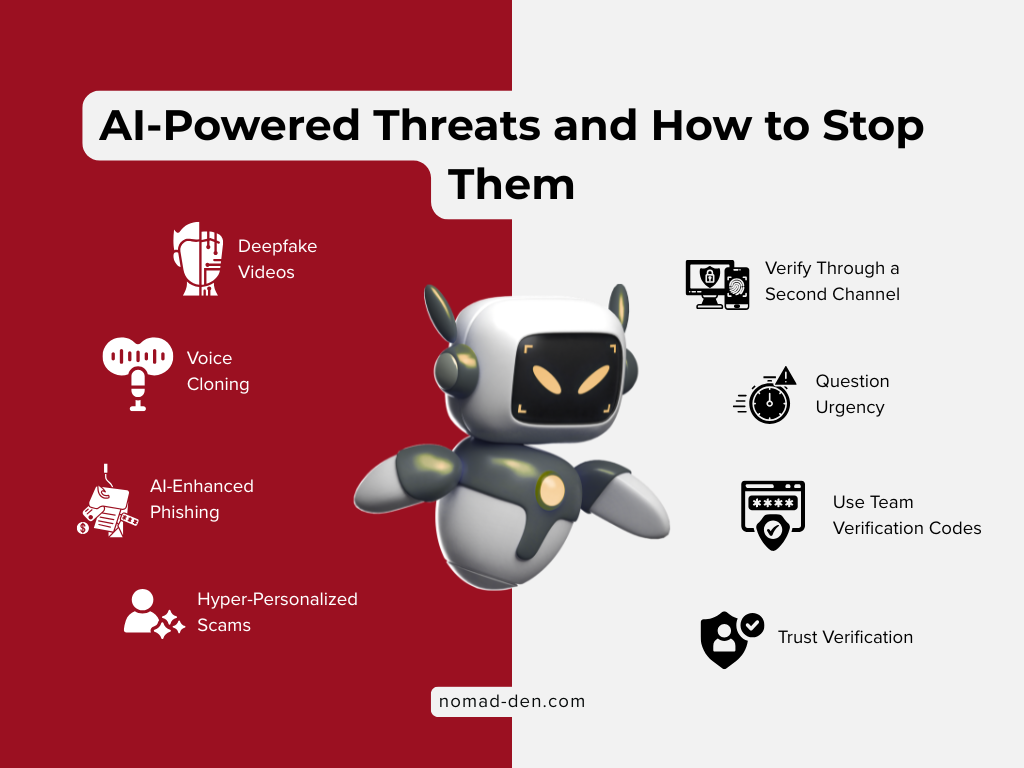
Phishing used to be detectable by anyone paying attention. Spelling errors, awkward phrasing, generic greetings, and suspicious sender domains were obvious triggers. Those signals are largely gone. Large language models allow criminals to generate phishing messages that are grammatically flawless, contextually specific to you, and written in the tone of whoever they are impersonating. One in four Americans has already received an AI-generated deepfake voice call.
Voice cloning is where this gets most disorienting. Attackers can clone a person’s voice from as little as a few seconds of audio, sourced from a voicemail, a social media video, or a podcast appearance. They then call you, sounding exactly like someone you trust, typically with an urgent request: a family member in trouble, a boss needing an immediate wire transfer, a bank representative flagging suspicious activity.
Deepfake video has reached the point where real-time video calls can be fabricated. The most reported high-loss scenario in 2026 involves attackers joining video calls appearing to be a senior executive and instructing staff to process urgent payments.
How to protect yourself against AI-powered attacks specifically:
Slow down when anything creates urgency or emotional pressure. That feeling is the mechanism, not a coincidence. Verify through a second channel using contact information you already have, not anything provided in the suspicious message. Establish a family code word for emergencies so a voice that sounds real still needs to prove itself. Never trust caller ID. Phone numbers can be faked with minimal effort. If a video call feels slightly off, even subtly, watch for unnatural blinking, edge blurring around the hairline, or lighting inconsistencies on the face versus the background.
The goal of AI-powered attacks is to overwhelm your instinct to verify. Your defense is to slow down and verify anyway.
Frequently Asked Questions
Conclusion
Cybersecurity is not a product you buy or a box you check. It is a set of ongoing habits, applied consistently, that make you a significantly harder target than the majority of people operating online.
The threats are real and growing. Phishing is more convincing than it has ever been. Credential theft operates at industrial scale. AI has made social engineering attacks harder to recognize by eliminating the signals that used to give them away. None of that requires panic. It requires awareness and a handful of habits applied consistently.
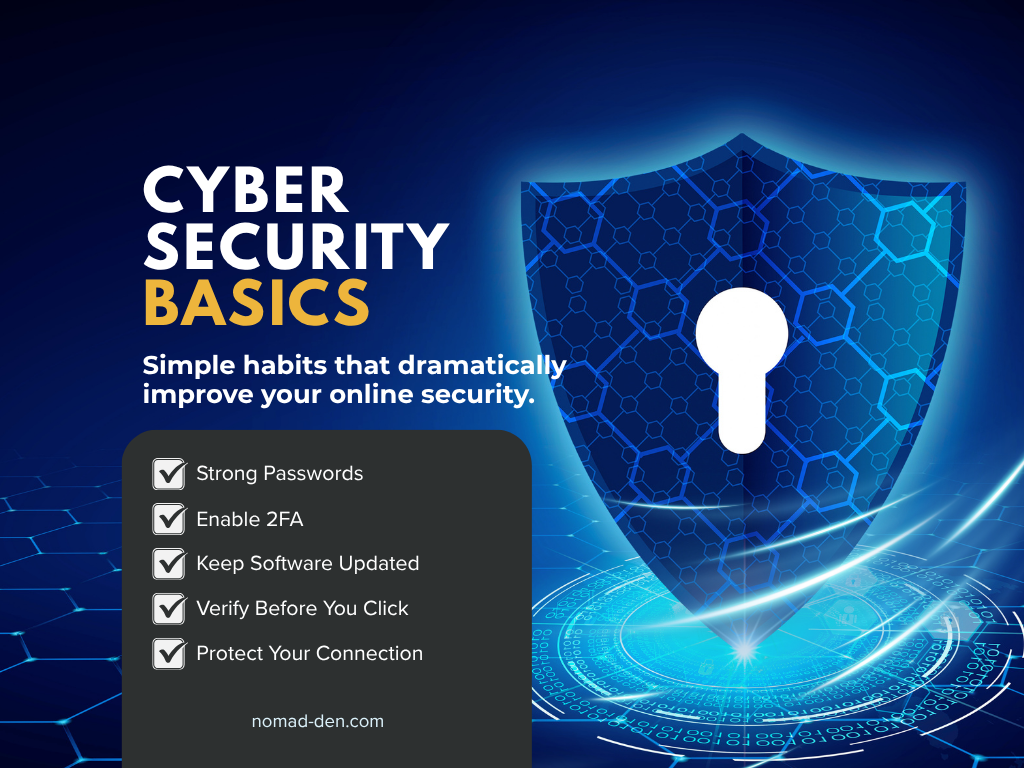
Start with your email: enable two-factor authentication today. From there, work through the rest: unique and complex passwords for every account, keep software updated, practice caution about what you share publicly, and use a protected connection. Those five habits close the majority of real-world attack vectors for most people.
The habits are simple. The consistency is the hard part. Start today.
Some links in this post may be affiliate links. I may earn a commission at no extra cost to you. Learn more here.
Related Posts
WordPress PHP Version: How to Check It After PHP2Shell
PHP2Shell is a pair of critical security flaws in PHP, the software every WordPress site…
Freelance Scams: How to Spot a Fake Client Before It Costs You
A fake-client scam is when someone poses as a paying client to take your money,…
Best Free Tools for Content Creators (and What They Really Cost)
The best free tools for content creators cover four main jobs: planning what to make,…
Private Browsers and Search Engines Worth Switching To
Google Chrome accounts for roughly 69% of the world’s web page views, and Google handles…
When to Start Outsourcing: How to Vet Your First Virtual Assistant (or Freelancer)
Outsourcing makes sense the moment a task is both teachable and consistently the thing standing…

17 Cybersecurity Terms Every Online Business Should Know (Part 2)
Cybersecurity terms for online business owners cover the threats, compliance requirements, and protective habits that…