
Some links in this post may be affiliate links. I may earn a commission at no extra cost to you.
Most freelance tool summaries and comparison posts point you toward the same handful of project management apps. However, that isn’t where freelancers actually run into trouble. The two problems that end freelance careers are getting paid and getting exploited, and they’re more connected than most people treat them. 76% of freelancers now use AI tools and 64% report increased productivity, so the workflow side of the business has never been easier to automate. What hasn’t gotten easier is the part where you send an invoice and wait.
This guide skips the tools already covered in our productivity tools post and focuses on what protects your income directly: contracts, invoicing, and what keeps both of those secure. If you’re still choosing a freelance path or platform, start with our freelancing jobs and platforms guide first.
Why Getting Paid Is a Security Problem, Not Just a Cash Flow One
Late payment isn’t an occasional inconvenience for freelancers, it’s the default experience. 85% of freelancers experience late payments at least some of the time, and 21% are paid late or not paid at all more than half the time, according to Remote’s State of Freelance Work report. A separate analysis of over 100,000 independent contractors found that 29% of freelance invoices are paid at least one day late.
Most freelancers treat this as a client relations problem. It’s also a security problem, and the line between the two is thinner than it looks. The World Economic Forum’s Global Cybersecurity Outlook 2026 found that invoice and payment fraud affected 37% of professionals and organizations surveyed, and 73% had been personally affected by cyber-enabled fraud in some form, with phishing being the single most common type at 62%.
A freelancer chasing a late payment and a freelancer receiving a spoofed “overdue invoice” email are dealing with the same underlying risk: unclear payment processes, informal communication, and accounts that weren’t locked down before the money became a target.
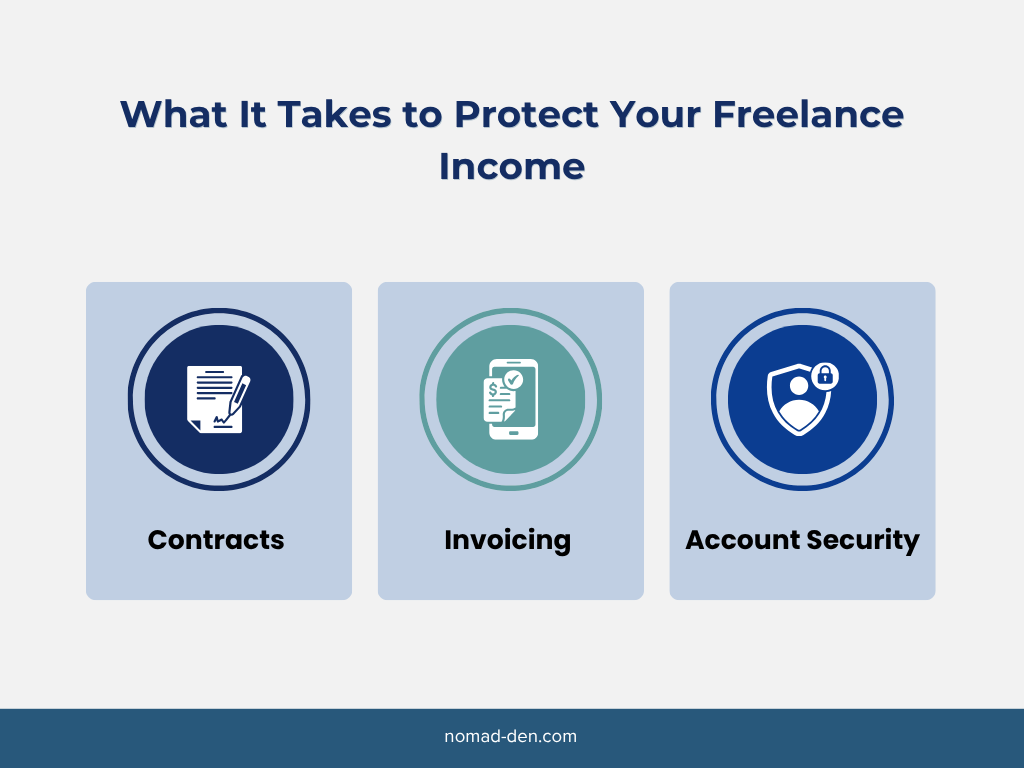
Treat the tools below as one system. Contracts and invoicing protect what you’re owed. Security tools protect the accounts those payments move through.
Protecting Your Scope of Work Before it Starts
Freelancers without a written contract are the ones most exposed to unpaid extra work and nonpayment. A contract doesn’t guarantee payment, but it should include the agreed scope of work and payment terms in writing, which strengthens your position if a client later tries to renegotiate or withhold payment.
The Freelancers Union offers a downloadable contract template you can use right away, no subscription required. It covers the essentials: scope of work, payment terms, and deadlines.
- Free to download and use for any project
- No e-signature built in, you’ll need a separate tool like DocuSign or Adobe Sign if you want one
Invoicing and Payments
Once the contract is signed, the next point of exposure is getting the actual payment collected without chasing it for weeks. Wave covers invoicing and basic bookkeeping without a monthly fee, generating invoices you can send directly and track as they’re paid.
Wave
Wave is free invoicing and bookkeeping software built for freelancers and small businesses who don’t need a full accounting suite yet. It covers invoice creation, payment tracking, and basic income and expense reporting without a monthly fee.
- Unlimited invoices and estimates on the free plan
- Bank and payment tracking synced automatically
- Income and expense categorization built in, useful when tax season rolls around
If you bill hourly, pairing Wave with a time tracker like Clockify keeps your invoice numbers accurate before you ever send one. Try Wave for free.
Protecting Your Freelance Income
Everything above depends on the accounts behind it staying secure. A stolen login or a successful phishing attempt doesn’t just cost you data, it can redirect a client’s payment somewhere you’ll never see it. And it’s rarely only your own information at risk.
Freelancers routinely handle client contracts, project files, and payment details that belong to someone else’s business. That’s rarely just personal account security anymore, it’s closer to what any small business owner has to protect.
Password Manager and Two-Factor Authentication
A password manager is the single tool most freelancers skip and most regret skipping. Reused or weak passwords across your invoicing platform, email, and client portals turn one compromised account into several. NordPass generates and stores unique passwords for every account tied to your freelance business, so a breach on one platform doesn’t cascade into the rest.
Two-factor authentication adds a second layer on top of that. Even if a password does leak, 2FA stops most account takeover attempts before they go anywhere.
- Start with your email, since it’s usually the recovery method for everything else
- Then invoicing and payment platforms, where a breach costs you money directly
- Then client portals and any tool that stores project files or communication
Secure your accounts with NordPass.

VPN and Antivirus Protection
Freelancers working from shared or public networks are exposing every login and invoice they send over that connection. NordVPN encrypts that traffic so it isn’t readable on an unsecured network. For a full breakdown of what a VPN actually protects against, see our VPN basics guide.
Its next-gen antivirus bundle covers the malware that arrives the same way, including through the fake invoice attachments mentioned earlier. For antivirus options across providers beyond Nord, our antivirus comparison covers it in more detail.
FAQs
Final Thoughts
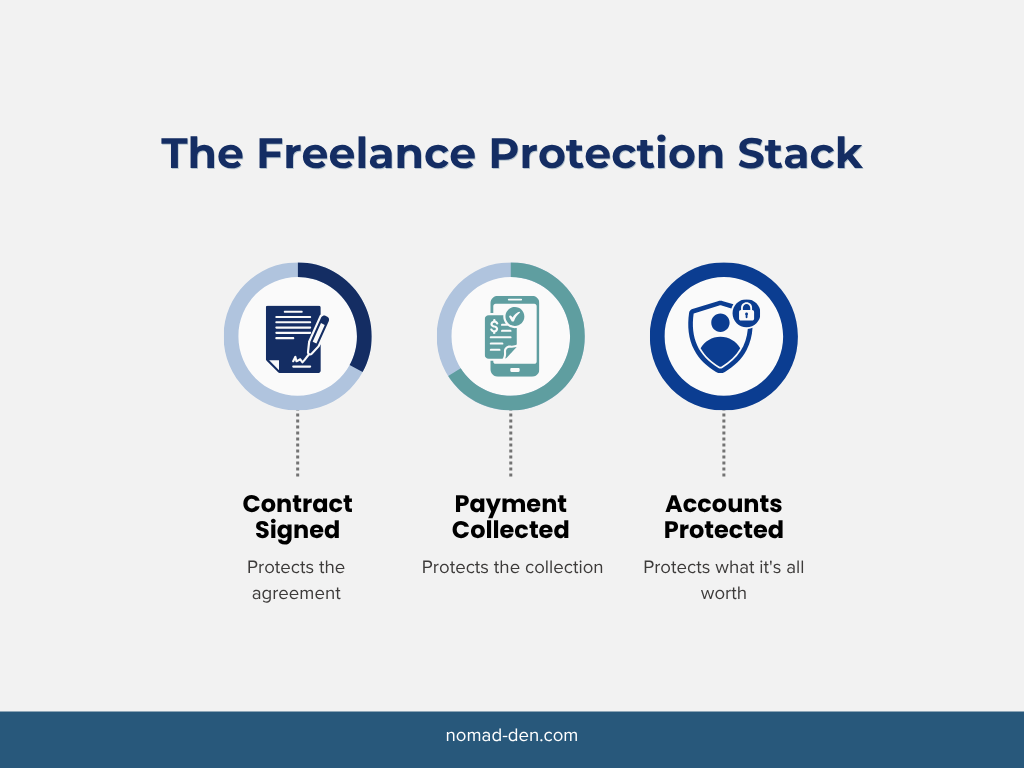
Getting paid and staying secure aren’t two separate freelance problems, they’re the same one viewed from different angles. A contract protects the agreement. Invoicing protects the collection. A password manager, 2FA, and a VPN protect everything those first two depend on. Building this stack doesn’t require adopting every tool at once, but skipping the security layer while focusing only on getting paid faster leaves the whole system exposed.
If you’re still working out the broader picture of skills, tools, and security together, our remote work starter guide covers that foundation.
Ready to lock down the business side of freelancing? Start with a password manager and work outward from there.
Related Posts
How to Build a Steady Income as a Freelancer: Protect What You Earn First
Steady freelance income starts with protecting what you’ve already earned, not just chasing more of…
When to Start Outsourcing: How to Vet Your First Virtual Assistant (or Freelancer)
Outsourcing makes sense the moment a task is both teachable and consistently the thing standing…

Freelancing vs. Remote Work: What’s the Difference?
Freelancing and remote work are not the same thing, even though people use the terms…
Digital Nomad Visas in 2026: Requirements, Costs, and How to Apply Safely
A digital nomad visa is a temporary residency permit that lets you legally live in…
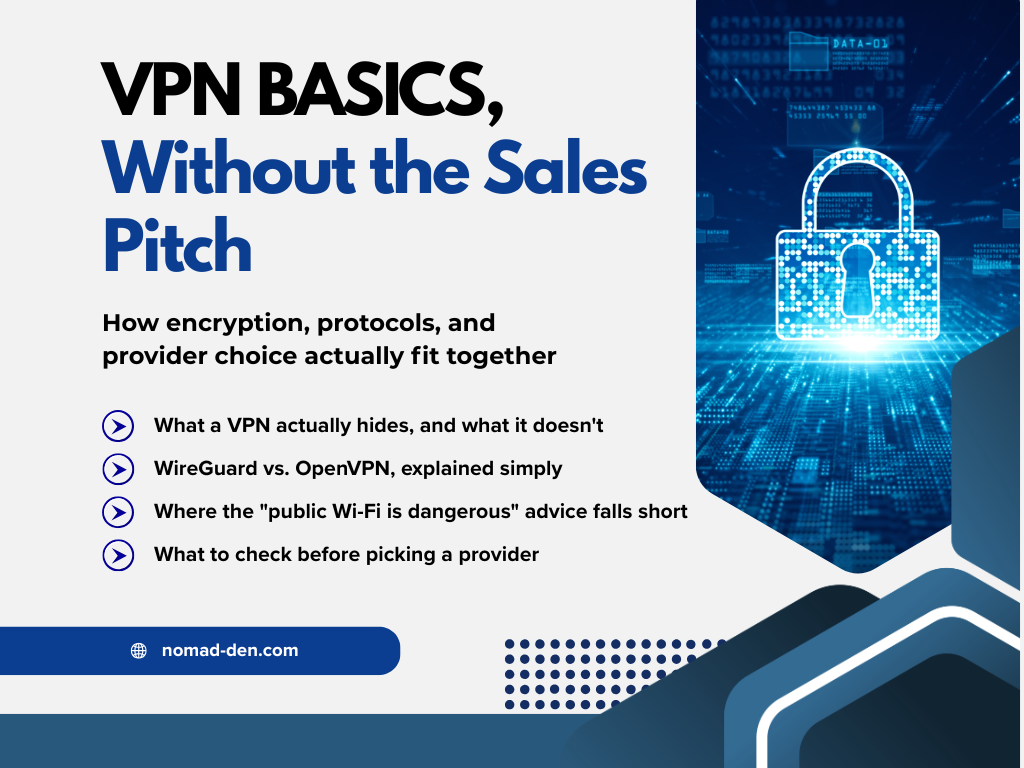
What Is a VPN? How It Works, What It Protects, and What It Doesn’t
A VPN, or virtual private network, is a service that encrypts your internet connection and…
Best Antivirus Software for Small Business Owners and Freelancers (2026)
If you run your business off a single laptop, ‘I should probably get antivirus eventually’…